|
Getting your Trinity Audio player ready...
|
Artificial intelligence has become part of everyday life, and ChatGPT is one of the most widely used AI assistants in 2026. Students use it for studying, freelancers speed up their work, marketers create content, and business owners brainstorm ideas in minutes.
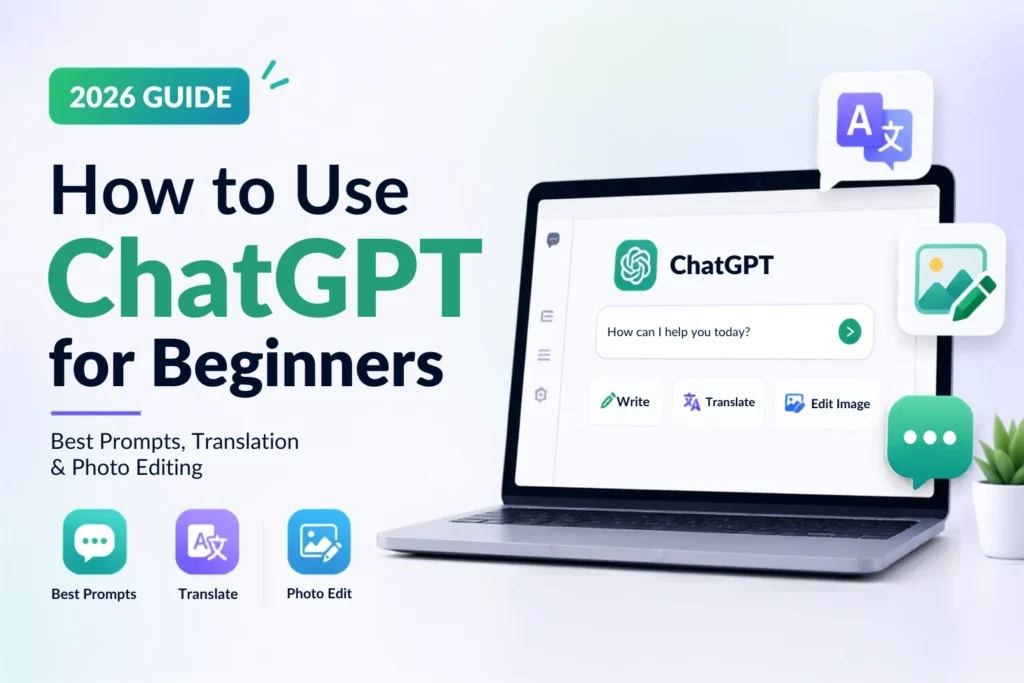
If you’re wondering How to Use ChatGPT, this beginner-friendly guide covers everything you need to know. You’ll learn how to write better prompts, use ChatGPT Translate for multilingual communication, improve writing with the ChatGPT Grammar Checker, and explore ChatGPT Photo Edit features for creating and editing images.
Whether you’re completely new to AI or looking for practical prompt ideas, this guide will help you get started with confidence.
What Is ChatGPT?
ChatGPT is an AI assistant developed by OpenAI that can understand natural language and respond conversationally. It can help with writing, coding, brainstorming, research, learning, image generation, translation, and much more.
Learning how to use ChatGPT is valuable because it can save time on everyday tasks while helping you think through ideas instead of starting from a blank page. Like any tool, it works best when you provide clear instructions and verify important information before relying on it.
How to Use ChatGPT
1. Create an Account
Visit ChatGPT on the web or install the official mobile app. In many regions you can try ChatGPT before signing in, while creating an account unlocks more features and saves your conversation history.
2. Log In
Sign in with your email address or another supported sign-in method.
3. Choose a Plan
Depending on your region, OpenAI offers Free and paid plans with different limits and features. Paid plans generally include higher usage limits and access to additional tools such as advanced reasoning and enhanced image capabilities. Features vary by plan and model.
4. Write Your First Prompt
Instead of typing:
Write something about marketing.
Try:
Write a 300-word beginner’s guide explaining digital marketing for small businesses in simple English.
Specific prompts usually produce better results.
5. Improve Your Prompts
Ask follow-up questions such as:
- Explain it more simply.
- Add examples.
- Turn this into bullet points.
- Rewrite in a professional tone.
6. Save and Reuse Conversations
Keep useful chats for future reference. You can revisit previous conversations, continue projects, and reuse prompts with small edits.
Beginner Tips
- Give clear instructions.
- Mention your audience.
- Specify word count if needed.
- Ask for revisions instead of starting over.
- Always fact-check important information.
If you’re new to AI, read our detailed guide on What is ChatGPT? to understand its features and uses.
Best ChatGPT Prompt Copy Paste Examples
| Use Case | Copy-Paste Prompt |
| Writing | Write a 500-word article about [topic] in simple English. |
| Homework | Explain this topic as if teaching a 12-year-old. |
| Coding | Debug this code and explain every change. |
| Write a polite follow-up email after a job interview. | |
| Resume | Improve my resume for a digital marketing position. |
| Blog | Create a blog outline with SEO headings on [topic]. |
| Social Media | Write five engaging Instagram captions for this product. |
| Marketing | Suggest ten marketing ideas for a local business. |
| Excel | Explain this Excel formula and provide a simpler version. |
| Research | Summarize this research article into key takeaways. |
| Travel | Plan a 5-day itinerary for Tokyo within a moderate budget. |
| Business | Suggest ten online business ideas with low startup costs. |
| Study Notes | Convert these notes into an easy revision guide. |
| Summary | Summarize this document in five bullet points. |
| Brainstorming | Give me 20 creative ideas for [topic]. |
ChatGPT Translate
ChatGPT Translate can translate text between many widely used languages while preserving tone, context, and formatting better than simple word-for-word translation.
Good Translation Uses
- Emails
- Blog posts
- Social media
- Business documents
- Study materials
Translation Tips
- Mention the target language.
- Specify the tone.
- Ask it to preserve formatting.
- Request culturally natural wording if appropriate.
ChatGPT vs Google Translate
| ChatGPT | Google Translate |
| Better contextual rewriting | Faster direct translation |
| Can explain wording | Excellent for quick translations |
| Can adapt tone | Literal translation focus |
Example Prompts
- Translate this email into Spanish.
- Translate this paragraph into Hindi while keeping the tone professional.
- Translate this article into French and preserve the formatting.
ChatGPT Grammar Checker
The ChatGPT Grammar Checker can improve much more than spelling.
It can:
- Fix grammar
- Improve sentence flow
- Rewrite awkward wording
- Adjust tone
- Proofread reports
- Simplify complex writing
Example Prompts
- Correct grammar without changing the meaning.
- Make this email sound more professional.
- Proofread this article and improve readability.
- Rewrite this paragraph in simple English.
ChatGPT Photo Edit
Modern ChatGPT models can help create and edit images where supported. Image editing availability depends on the ChatGPT model, platform, and subscription plan.
Possible editing tasks include:
- Remove backgrounds
- Replace backgrounds
- Improve image quality
- Remove unwanted objects
- Add or edit text
- Adjust colors
- Create YouTube thumbnails
- Design social media graphics
- Restore old photographs
- Apply artistic styles
Example:
Remove the background from this product photo and replace it with a clean white studio background while keeping realistic shadows.
ChatGPT Image Prompts
- Realistic portrait with soft natural lighting.
- Premium product photography on a white background.
- Minimalist modern technology logo.
- Bright YouTube thumbnail with bold text.
- Mountain landscape at sunrise.
- Cute cartoon family illustration.
- Anime hero standing in the rain.
- Fantasy castle floating above clouds.
- Scandinavian living room interior.
- Gourmet food photography of Italian pasta.
- Modern event poster with bold typography.
- Mystery novel book cover.
- Instagram promotional post for a coffee shop.
- Close-up wildlife portrait of a snow leopard.
- Futuristic eco-friendly skyscraper at sunset.
ChatGPT Photo Prompts
- Remove the background and replace it with a modern office.
- Make this selfie look like it was taken during golden hour.
- Convert this image into Pixar-inspired animation style.
- Improve lighting while keeping natural skin tones.
- Remove unwanted people from the background.
- Restore scratches and fading in this old family photo.
- Replace the cloudy sky with a dramatic sunset.
- Make this product photo suitable for Amazon.
- Add realistic depth of field.
- Turn this portrait into a professional LinkedIn headshot.
Want to know more about Plans? Read our complete guide on ChatGPT Free vs Plus pricing and features.
Tips for Writing Better Prompts
Be Specific
Instead of asking for “an article,” include the topic, audience, tone, and length.
Add Context
Explain why you need the content.
Mention Tone
Examples:
- Friendly
- Professional
- Academic
- Conversational
Define the Audience
For example:
- Beginners
- Students
- Business owners
- Developers
Ask Follow-Up Questions
Refine the first answer instead of starting over.
Iterate
Small prompt improvements often produce significantly better results.
Common Mistakes Beginners Make
- Writing vague prompts.
- Believing every AI answer without verification.
- Forgetting to include context.
- Ignoring privacy when sharing sensitive information.
- Not reviewing grammar, citations, or facts before publishing.
Pros and Cons of Using ChatGPT
| Pros | Cons |
| Saves time | Can make mistakes |
| Easy for beginners | Needs clear prompts |
| Great for brainstorming | Should not replace expert advice |
| Supports many languages | Knowledge may be incomplete without current web access |
| Helps improve writing | Users should verify important facts |
Frequently Asked Questions
1. How do I use ChatGPT?
Create an account, start a conversation, write a clear prompt, and refine the results with follow-up questions.
2. Is ChatGPT free?
Yes. A free plan is available, while paid plans offer higher limits and additional features.
3. Can ChatGPT translate languages?
Yes. ChatGPT Translate supports many languages and can preserve tone and context.
4. Can ChatGPT edit photos?
Yes, supported ChatGPT image models can create and edit images. Available features depend on your plan, platform, and selected model.
5. What are ChatGPT image prompts?
They are text instructions that describe the image you want ChatGPT to create.
6. How do I copy and paste ChatGPT prompts?
Simply copy a prompt into the chat box, edit any placeholders, and submit it.
7. Is ChatGPT a grammar checker?
Yes. It can check grammar, improve clarity, adjust tone, and proofread documents.
8. Which ChatGPT version supports photo editing?
Image editing depends on the ChatGPT image model and the features available with your account and subscription. Check the latest OpenAI documentation for current availability.
Conclusion
Learning How to Use ChatGPT is easier than many beginners expect. With clear prompts and a little practice, you can write articles, translate documents, improve grammar, generate creative ideas, and even perform ChatGPT Photo Edit tasks where supported.
The best way to improve is to experiment. Try different prompts, ask follow-up questions, review the results carefully, and verify important facts before using them in school, work, or business. Used responsibly, ChatGPT can become a practical everyday productivity tool.
Also explore our guides on ChatGPT Pricing and Google Gemini to choose the AI tool that best fits your needs.