|
Getting your Trinity Audio player ready...
|
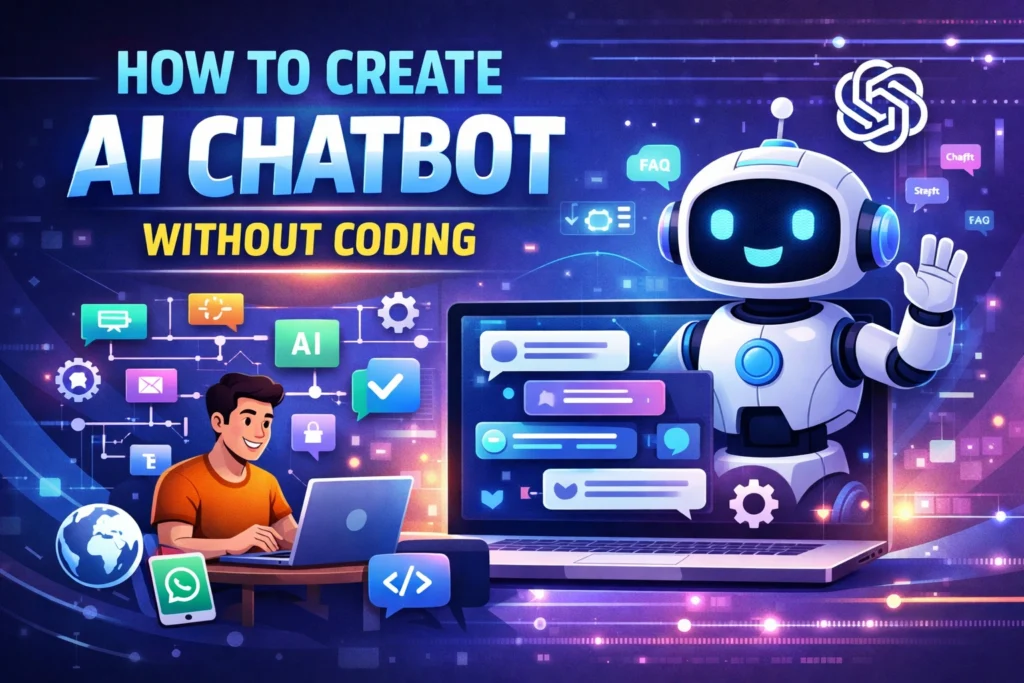
Artificial Intelligence is no longer just for developers or tech experts. Today, anyone can Create AI Chatbot without writing a single line of code. Yes, you read that right. Whether you want to automate customer support, generate leads, or engage website visitors, AI chatbots can do it all.
However, most beginners assume chatbot creation is complex. In reality, with the rise of no-code platforms, it has become incredibly simple. So, if you are looking to build your own AI chatbot without coding, this guide will walk you through everything step by step.
Why AI Chatbots Are Important in 2026
Before diving into the process, it is important to understand why AI chatbots are dominating digital platforms.
First of all, businesses are shifting towards automation. Instead of hiring large support teams, companies now use AI chatbots to handle customer queries instantly. Moreover, chatbots work 24/7, which improves user experience and boosts conversions.
In addition, AI-powered chatbots can:
- Answer frequently asked questions
- Capture leads automatically
- Provide personalized recommendations
- Integrate with WhatsApp, websites, and social media
Therefore, learning how to create a chatbot is no longer optional—it is a valuable skill.
What You Need Before Creating a Chatbot
Fortunately, you do not need technical skills. However, you should have a clear goal.
Ask yourself:
- Do you want a chatbot for your website?
- Are you targeting WhatsApp automation?
- Do you need it for lead generation or support?
Once your goal is clear, the rest becomes easy.
Step-by-Step Guide to Create AI Chatbot Without Coding
Step 1: Choose a No-Code Chatbot Platform
To begin with, you need a platform that allows chatbot creation without programming.
Some popular options include:
- Botpress
- ManyChat
- Tidio
- Chatfuel
These tools provide drag-and-drop builders, making the process beginner-friendly.
Step 2: Sign Up and Create a New Bot
After selecting a platform, create an account and start a new chatbot project.
Most platforms will ask you to:
- Name your chatbot
- Select a use case (support, sales, marketing)
- Choose integration (website, WhatsApp, Messenger)
At this stage, keep things simple and focused.
Step 3: Design Conversation Flow
This is where the real magic happens.
Instead of coding, you will design how the chatbot talks. Think of it as creating a flowchart.
For example:
- User says “Hi” → Bot responds with greeting
- Bot asks a question → User selects an option
- Bot provides relevant information
Use:
- Buttons
- Quick replies
- Conditional logic
As a result, your chatbot feels natural and interactive.
Step 4: Add AI Capabilities
Now comes the powerful part—AI integration.
Most no-code tools allow you to connect AI models like ChatGPT or built-in NLP systems.
This enables your chatbot to:
- Understand user intent
- Respond intelligently
- Handle complex queries
Instead of fixed replies, your chatbot becomes dynamic and human-like.
Step 5: Train Your Chatbot
Although AI helps a lot, you still need to guide it.
Add:
- Frequently asked questions
- Predefined answers
- Keywords and triggers
For example:
If user types “pricing,” the bot should show your service cost.
The better you train it, the smarter it becomes.
Step 6: Customize Design and Branding
Next, focus on appearance.
Customize:
- Chat widget color
- Bot name and avatar
- Welcome message
A well-designed chatbot builds trust and improves engagement.
Step 7: Test Your Chatbot
Before going live, testing is crucial.
Check:
- Response accuracy
- Flow logic
- User experience
Fix errors immediately. Otherwise, a broken chatbot can frustrate users.
Step 8: Deploy Your Chatbot
Finally, publish your chatbot.
You can integrate it with:
- Website
- WhatsApp Business
- Facebook Messenger
- Landing pages
Once deployed, your chatbot starts working automatically.
Best Use Cases of AI Chatbots
AI chatbots are extremely versatile. Here are some practical applications:
1. Customer Support Automation
Chatbots can instantly answer common queries, reducing workload.
2. Lead Generation
They can collect user data like name, email, and phone number.
3. E-commerce Assistance
Chatbots recommend products and guide users through purchases.
4. Appointment Booking
They can schedule meetings without human involvement.
Common Mistakes to Avoid
Even though creating a chatbot is easy, beginners often make mistakes.
Avoid these:
- Overcomplicating the flow
- Not testing before launch
- Ignoring user intent
- Using robotic responses
- Not updating chatbot regularly
Instead, keep your chatbot simple, helpful, and user-focused.
Semantic Keywords to Include
To improve SEO, make sure to naturally include related terms such as:
AI chatbot builder
no-code chatbot platform
chatbot automation tools
create chatbot for website
AI chatbot for business
WhatsApp chatbot automation
chatbot for lead generation
best chatbot tools 2026
AI conversation flow builder
These keywords help search engines understand your content better.
Future of No-Code AI Chatbots
Looking ahead, AI chatbots will become even smarter. With advancements in machine learning and natural language processing, chatbots will handle complex conversations with ease.
Moreover, businesses that adopt chatbot automation early will have a clear competitive advantage.
So, if you are still waiting, you are already behind.
Conclusion
Creating an AI chatbot without coding is no longer difficult. In fact, it is one of the easiest ways to automate your business and improve customer engagement.
By following the steps above, you can build a fully functional chatbot within a few hours. More importantly, you do not need any technical background.
Start small, test continuously, and improve over time. That is how you win.
FAQ
What is an AI chatbot?
An AI chatbot is a software program that uses artificial intelligence to simulate human conversation and respond to user queries automatically.
Can I create a chatbot without coding?
Yes, you can use no-code platforms like Botpress, ManyChat, and Tidio to build chatbots without any programming knowledge.
Which is the best free AI chatbot builder?
Some of the best free options include Tidio, Chatfuel, and ManyChat, depending on your use case.
How long does it take to build a chatbot?
You can create a basic chatbot within 1–2 hours. However, advanced bots may take more time for optimization.
Can chatbots integrate with WhatsApp?
Yes, many platforms offer WhatsApp integration for business automation and customer communication.
Are AI chatbots good for small businesses?
Absolutely. They help reduce costs, automate tasks, and improve customer experience without hiring large teams.